Business Intelligence with Power BI Webinar starts in 17 days
Information Technology

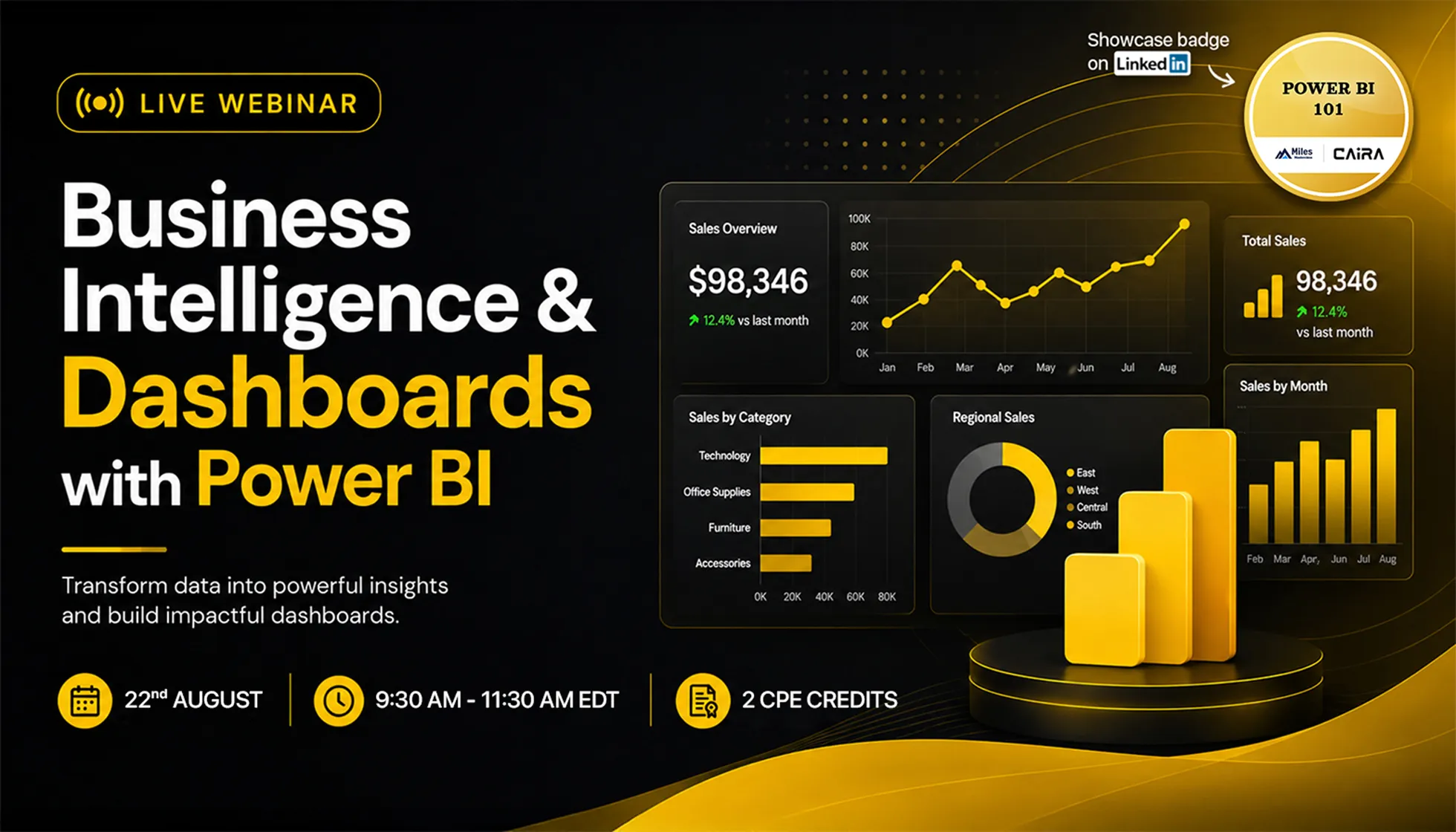
Business Intelligence with Power BI

By Belinda Allen

2 Credits
CAIRAL1Credly
Badge Icon

Learn how Power BI transforms raw data into interactive dashboards for clearer reporting, analysis, and decision-making.

22 Aug '26 · 1:30 PM CUT

Secure Your Seat

Sign up below and we'll save your spot for "Business Intelligence with Power BI".

Once you're registered, the Zoom link and calendar invite are on their way to your inbox.

Belinda Allen

Course Description

A quick snapshot of what this Masterclass covers!

Business Intelligence & Dashboards with Power BI, presented by Belinda, introduces accountants and finance professionals to the fundamentals of business intelligence and data-driven reporting. The session explores how Power BI can transform raw business and financial data into clear, interactive dashboards that support better analysis, monitoring, and decision-making. Participants will learn how data can be connected from different sources, prepared for analysis, and presented through meaningful charts, reports, and visual indicators. The webinar also highlights how dynamic dashboards can replace static reporting processes, improve visibility into performance, and help professionals identify trends, patterns, and areas requiring attention. Through practical demonstrations and business-focused examples, Belinda will show how Power BI can be used to make reporting more efficient, improve communication of financial insights, and strengthen strategic decision support across an organization.

Learning Objectives

Discover the key takeaways and skills you'll build throughout this Masterclass!

  • Identify the role of business intelligence in modern finance and accounting.
  • Recognize Power BI capabilities for connecting and transforming data from multiple sources.
  • Distinguish between Power BI reports and dashboards based on their purpose and presentation of business insights.
  • Identify Power BI features for financial analysis, performance monitoring, and organizational decision support.
  • Select appropriate Power BI dashboard and reporting approaches for common finance and accounting workflows.

Certifying Organizations

National Association of State Boards of Accountancy (NASBA)

NASBA Logo
  • Continuing Professional Education Credit (CPE): 2
  • Fields of Study:
    Information Technology2 CPE
  • Sponsor Identification number: 149174
  • Instructional Delivery Method: Group Internet based
  • Program Level: Basic
  • Prerequisite Education: There are no prerequisites for this course
  • Advanced Preparation: There is no advance preparation required for this course
  • Created on: 09 Jul 2026
  • Reviewed on: 09 Jul 2026
  • Updated on: 09 Jul 2026
  • Video Duration: 2 hr

To earn CPE credits, the learner is expected to:

  • Answer 0 poll questions during the webinar
  • Attend at least 1 hr 40 min of the 2 hr webinar

If you undertake this course for CPE credits, you can leave final comments in the Feedback.

Miles Masterclass Inc. is registered with the National Association of State Boards of Accountancy (NASBA) as a sponsor of continuing professional education on the National Registry of CPE Sponsors. State boards of accountancy have final authority on the acceptance of individual courses for CPE credit. Complaints regarding registered sponsors may be submitted to the National Registry of CPE Sponsors through its web site: www.nasbaregistry.org

For course refund policy, issue resolution, and additional info please refer to the FAQs on the Overview tab. For more information regarding administrative policies such as complaint and refund, please contact our offices at support@milesmasterclass.com
Miles Masterclass Inc.

To earn the Miles Learning Certificate, the learner is expected to complete all videos and chapter quizzes