AI in Accounting 101: Build your own 1st AI-Agent in 2 hours Webinar starts in 6 days
Group Internet-Based

Information Technology

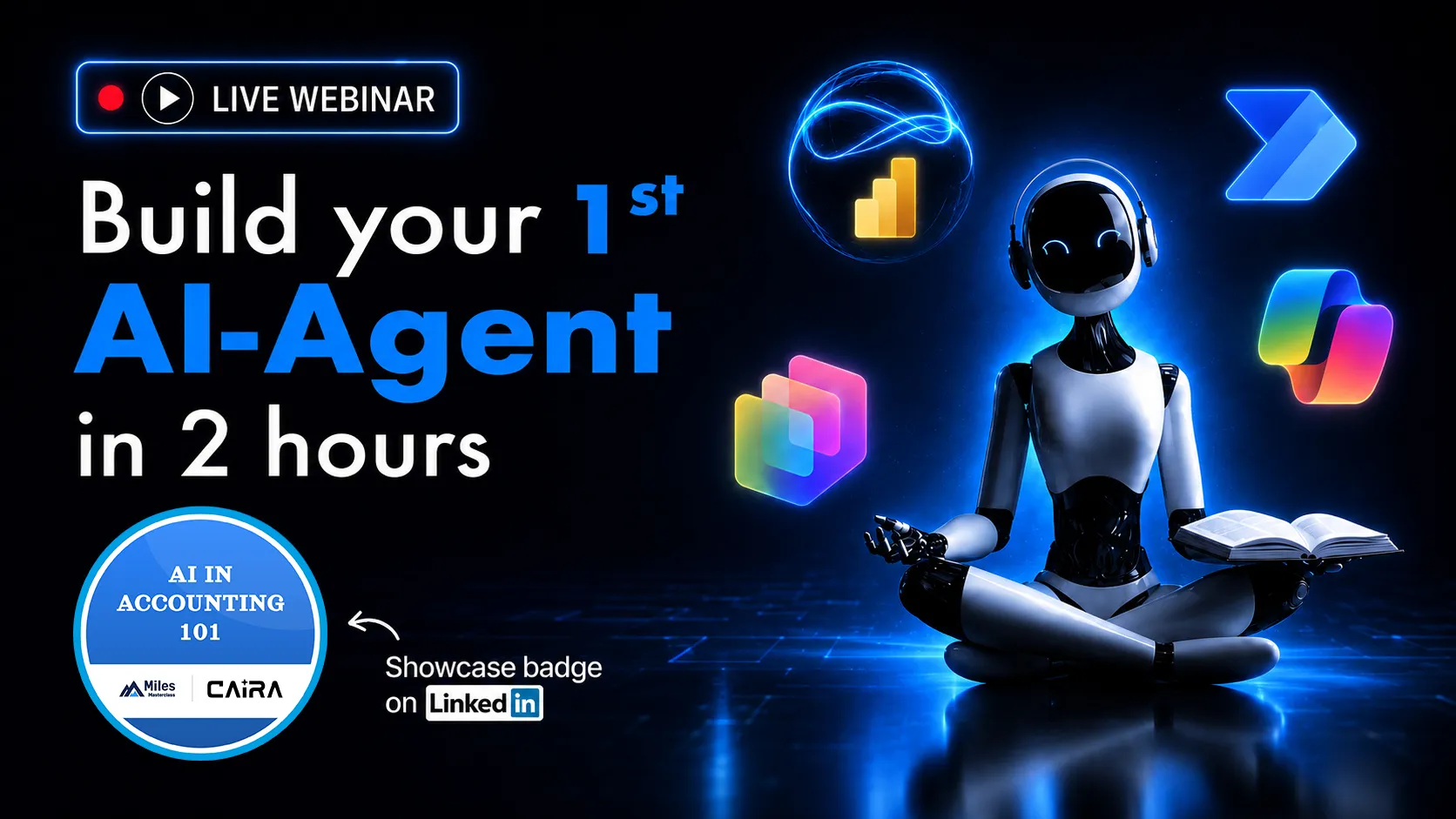
AI in Accounting 101: Build your own 1st AI-Agent in 2 hours

By Uttam Pai, CPA

2 Credits
CAIRAL1Credly

Build a practical understanding of AI in accounting through Miles’ framework, Copilot tools, automation, analytics, and agents.

11 Nov '26 · 5:00 PM CUT
Secure Your Seat

Sign up below and we'll save your spot for "AI in Accounting 101: Build your own 1st AI-Agent in 2 hours".

Once you're registered, the Zoom link and calendar invite are on their way to your inbox.

Webinar's This Month

Get ready for an exclusive Friday night experience! Expert-led sessions, blockbuster insights, and a chance to earn CPE credits along the way!

November 6th 2026
Group Internet-Based
Information Technology2 CPE

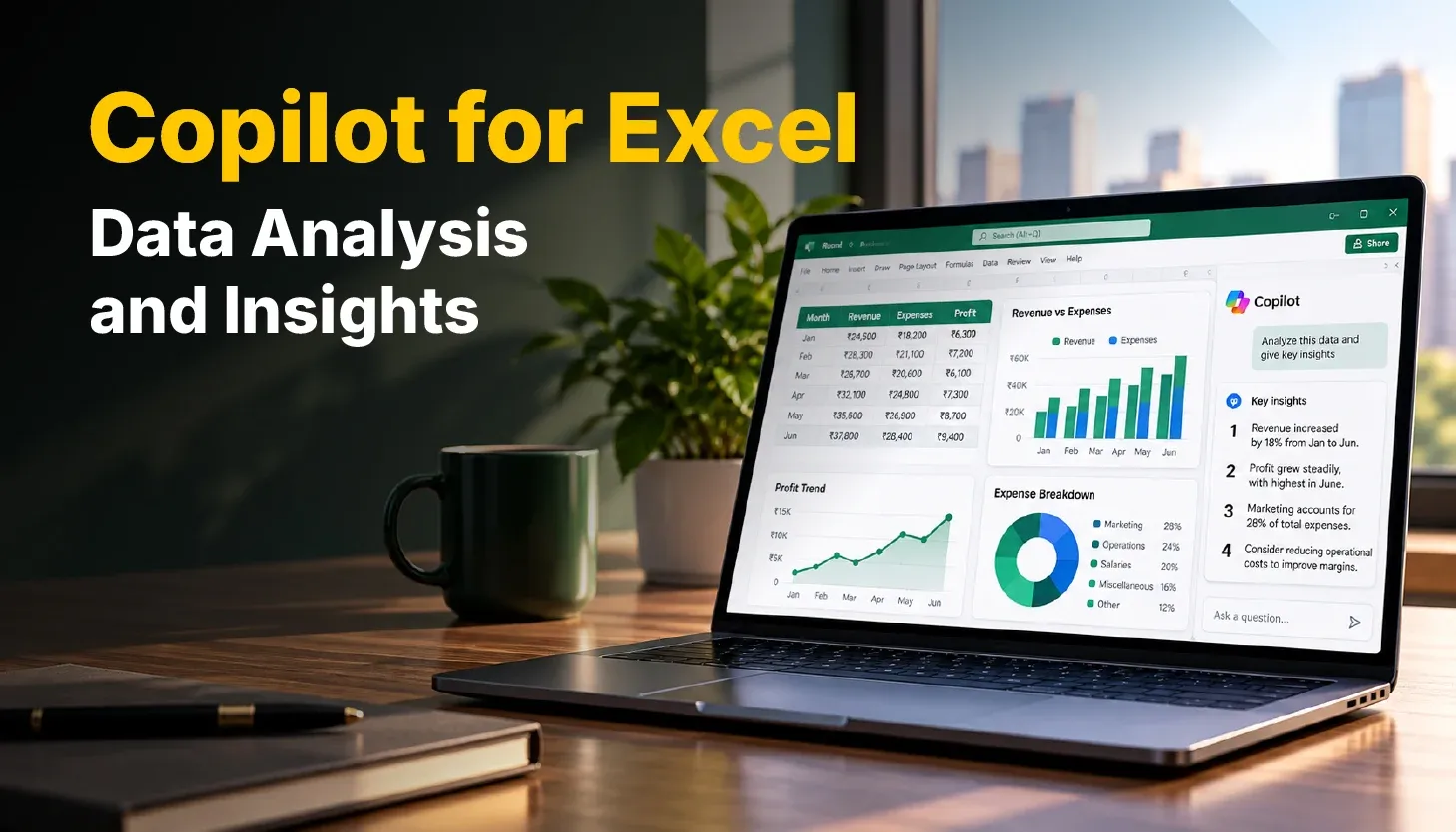
Copilot for Excel: Data Analysis and Insights

By Uttam Pai, CPA

CAIRAL1Credly
November 13th 2026
Group Internet-Based
Information Technology2 CPE

Copilot for Word, PowerPoint, Outlook and Teams

By Uttam Pai, CPA

CAIRAL1
November 18th 2026
Group Internet-Based
Information Technology2 CPE

AI in Accounting 101: Build your own 1st AI-Agent in 2 hours

By Uttam Pai, CPA

CAIRAL1Credly
November 20th 2026
Group Internet-Based
Information Technology2 CPE

Copilot Studio: Build & Deploy AI Agents

By Uttam Pai, CPA

CAIRAL1Credly
November 27th 2026
Group Internet-Based
Information Technology2 CPE

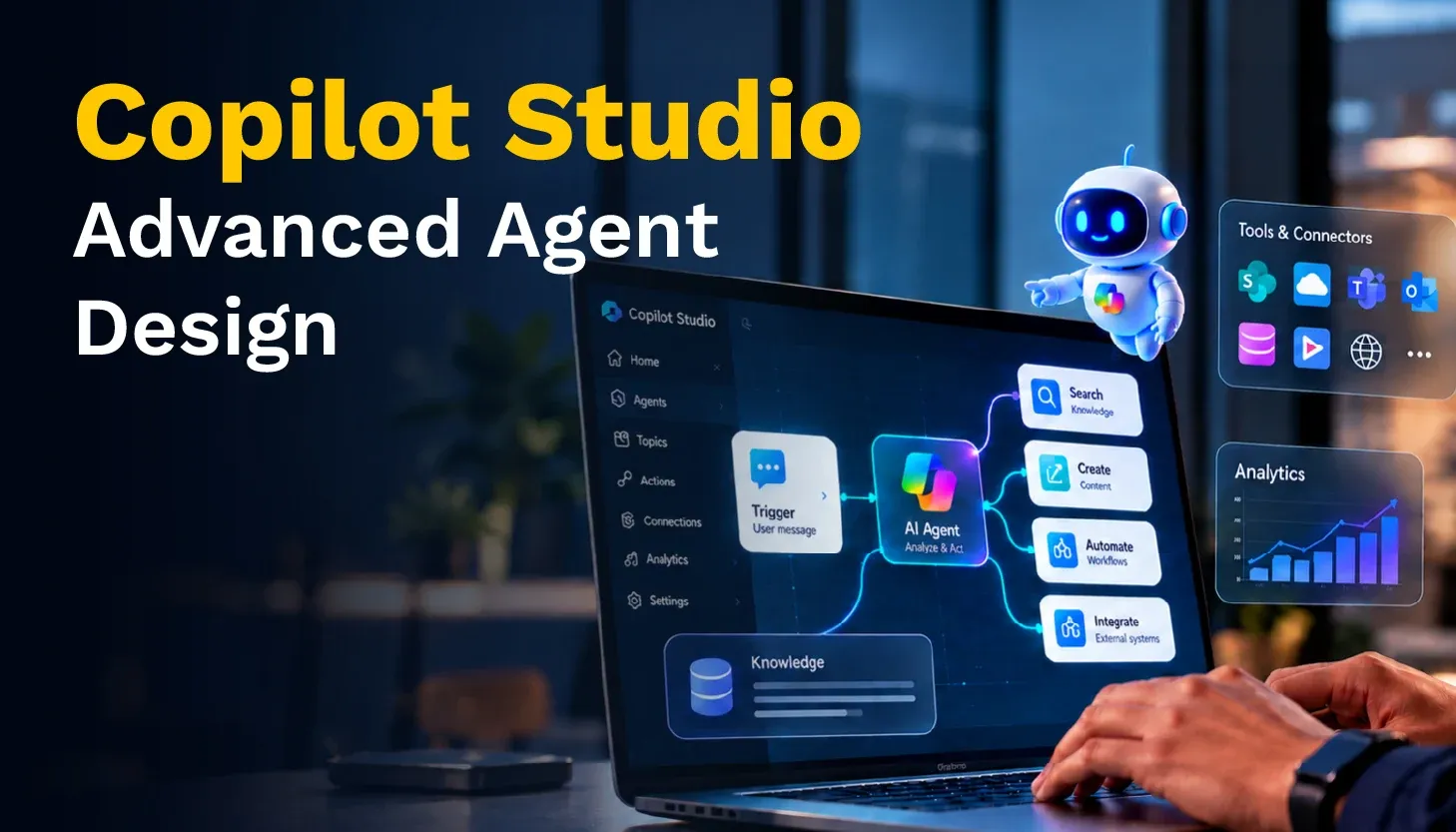
Copilot Studio: Advanced Agent Design

By Uttam Pai, CPA

CAIRAL1
December 4th 2026
Group Internet-Based
Information Technology2 CPE

Getting Started with Microsoft Power Automate

By Uttam Pai, CPA

CAIRAL1Credly
December 11th 2026
Group Internet-Based
Information Technology2 CPE

Power Automate for Accounting Workflows

By Uttam Pai, CPA

CAIRAL1
December 18th 2026
Group Internet-Based
Information Technology2 CPE

Business Intelligence & Dashboards with Power BI

By Uttam Pai, CPA

CAIRAL1Credly
January 8th 2027
Group Internet-Based
Information Technology2 CPE

Visual Analytics & Insights with Power BI

By Uttam Pai, CPA

CAIRAL1
January 15th 2027
Group Internet-Based
Information Technology2 CPE

Applied AI in Audit

By Uttam Pai, CPA, Daniel Alberson

CAIRAL2Credly
January 22nd 2027
Group Internet-Based
Information Technology2 CPE

Applied AI in Tax

By Adam Tahir, Uttam Pai, CPA

CAIRAL2Credly
January 29th 2027
Group Internet-Based
Information Technology2 CPE

Applied AI for CFO Teams

By Harton Wong, Uttam Pai, CPA

CAIRAL2Credly
February 5th 2027
Group Internet-Based
Information Technology2 CPE

Digital Transformation for CPA Firms

By Uttam Pai, CPA

CAIRAL3
February 12th 2027
Group Internet-Based
Information Technology2 CPE

Digital Transformation for CFO Teams

By Uttam Pai, CPA

CAIRAL3

Frequently Asked Questions

Find more answers in our Help Centre or write to support@milesmasterclass.com.

Our Webinars are live, expert-led sessions on how AI is changing accounting, audit, tax, and finance.

Learn from the instructors in real time, answer polling questions along the way, and earn NASBA CPE credits (Group Internet Based).

Registering is free. Just follow these steps:

  • After you log in, pick a session on this page and click "Secure Your Seat"
  • Fill in your details and click "Reserve My Seat"
  • Look out for the joining link and calendar invite in your inbox

Every Webinar is built around practical, real-world examples, from using Copilot, Copilot Studio, Power BI, Power Automate, and other AI tools in day-to-day accounting work to automating repetitive tasks and building your first AI agent.

Each Webinar shows its field of study, coverage, and recommended CPE credits before you register.

Webinars run live at different times. You’ll find the date, start time, and time zone for each session on its registration page. Once you register, the joining link and a calendar invite land in your inbox, so the session shows up in your own calendar at your local time.

No. Polling questions are there to confirm you're actively taking part, so there's no penalty for a wrong answer. You just need to answer the required number of polling questions to be marked "Present". We'll tell you how many in advance.

CPE credit for a Webinar depends on your attendance, which we track through attendance monitoring throughout the session. To be marked “Present”, you need to:

  • Answer the required number of polling questions
  • Stay in the session for the required duration

If you join late or leave early, you may miss polls or fall short of the required time, and you won't be eligible for the CPE Certificate for that session.

ℹ️ Note: Join a few minutes early so you don't miss the first poll.

Your attendance is processed within 48 hours of the Webinar ending. Once you're marked "Present", have submitted the evaluation feedback and meet the certificate criteria (with an active subscription, unless it's a free CPE Webinar), you can download your CPE Certificate from the "Webinars Attended" section.

Sponsor Id#: 149174

Miles Masterclass Inc. is registered with the National Association of State Boards of Accountancy (NASBA) as a sponsor of continuing professional education on the National Registry of CPE Sponsors. State boards of accountancy have final authority on the acceptance of individual courses for CPE credit. Complaints regarding registered sponsors may be submitted to the National Registry of CPE Sponsors through its website: www.nasbaregistry.org

Delivery Method - Group Internet Based (aka Webinar)

  • To earn credit for a Webinar (Group Internet-Based session), learners must remain logged into the session and answer the required number of poll questions to mark attendance.
  • Learners must also stay in the session for the required duration to be marked “Present”.
  • Polling questions appear at various points during the session.
  • Learners are required to answer "N-1" polling questions to be marked "Present" for the session (For example, if there are 5 polling questions, then participants are required to answer at least 4 polling questions to be marked present).
  • Note that the purpose of the polling questions is to monitor active participation, and there is no penalty for submitting the wrong answer.
  • Learners will be informed regarding the number of polling questions to be answered in advance.

Sessions are measured by actual program length, with one 50-minute period equal to one CPE credit.

Duration (excluding admin activities like Session Rules, Presenter Introduction, Q&A)Number of Polling Questions to be AskedNumber of Polling Questions to be Answered to be Eligible for CPE CertificateCPE Credits (50 minutes = 1 CPE Credit)
60 minutes431.2
90 minutes761.8
120 minutes872.4
180 minutes12113.6

Delivery Method - Group Internet Based (aka Webinar)

  • Learners need to submit the evaluation feedback from the "Webinars Attended" section for the session they attended.
  • Note that the Evaluation Feedback form will be pre-populated with the "Name" and "Email ID" used at the time of registration.
  • Once the form is filled and submitted, learners can download their CPE Certificate (in case the attendance status is "Present") under the "Webinars Attended" or from the CPE tracker "Completed" section.

No! Registering for and attending a Webinar is completely free. No hidden costs, no strings attached. Just sign up to register and attend.

Whether the CPE Certificate is free depends on the Webinar:

  • Free CPE Webinars: the CPE Certificate is free too. We’ll clearly tell you when a Webinar comes with a free CPE Certificate.
  • All other Webinars: you’ll need an active subscription to download the CPE Certificate.

To get your CPE Certificate, meet the eligibility criteria and download it from your Miles Masterclass account:

Login > Click on Webinars > Scroll down to the “Webinars Attended” section > Hover over/click on the card and click on the “Download Certificate” button.

ℹ️ Note: For more details on earning CPE credits, check out the Credits & Reporting section (“How do I earn CPE credits?”).

⚠️ Warning: Please note: Miles Masterclass Inc. reserves the right to modify its payment policy at any time. Any changes will be communicated to registered members at least 7 days in advance before taking effect.

All online purchases are final, and no refunds will be issued under any circumstances.

  • Once a payment is successfully processed, it is non-refundable and non-transferable.
  • We encourage users to carefully review course details, terms, and conditions before making a purchase.
  • Refunds will not be provided for partial or unused subscription periods.

If you have any questions or need clarification, please contact our support team before completing your transaction.

Miles Masterclass Inc. ensures that all its programs provide updated content taking into consideration the latest amendments and is committed to providing the most beneficial and satisfactory experience to all its course users.

In the event any participant is not completely satisfied with any Group Internet-based courses or of the QAS Self-Study courses and wishes to file a complaint, please contact support@milesmasterclass.com within 10 business days of the event. Miles Masterclass Inc. shall ensure satisfactory resolution of each and every complaint filed.