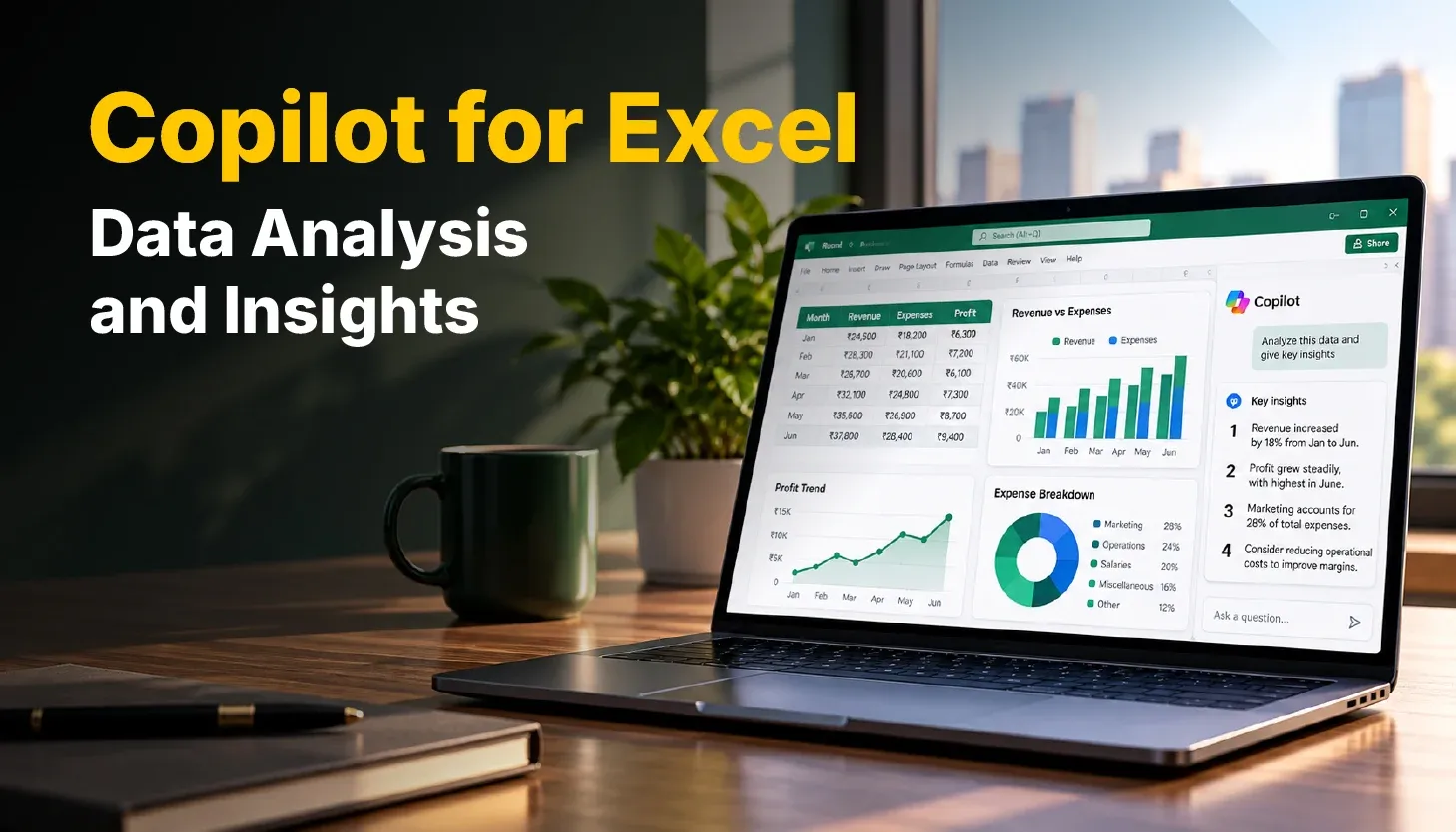
Copilot for Excel: Data Analysis and Insights
Group Internet-Based
Information Technology

Copilot for Excel: Data Analysis and Insights

By Uttam Pai, CPA

2 Credits
CAIRAL1Credly

Learn how Copilot in Excel uses plain-language prompts to summarize data, surface trends, and build quick visuals.

6 Nov '26 · 2:30 PM CUT

Uttam Pai, CPA

VP - Founder’s Office, Miles Education

Course Description

A quick snapshot of what this Masterclass covers!

In Copilot for Excel: Data Analysis and Insights, Uttam Pai Umesh demonstrates how Microsoft Copilot is transforming Excel from a traditional spreadsheet application into an intelligent data analysis assistant. Rather than relying only on formulas, pivot tables, and manual exploration, participants learn how to use natural-language prompts to interact with data, uncover trends, generate summaries, and answer business questions directly from spreadsheets. Throughout the session, Uttam walks through practical workflows that show how Copilot can support everyday data tasks, including organizing data, identifying patterns, creating visualizations, and producing meaningful summaries within Excel. The session highlights how conversational prompts can make analysis faster, easier, and more accessible, even for professionals who may not rely on advanced Excel techniques every day. By the end of the webinar, learners will understand how to use Copilot in Excel to improve productivity, support better decision-making, and communicate insights more effectively.

Learning Objectives

Discover the key takeaways and skills you'll build throughout this Masterclass!

  • Determine how Copilot in Excel supports everyday data analysis using plain-language prompts.
  • Identify how Copilot helps summarize, organize, and explore spreadsheet data.
  • Recognize how Copilot can highlight trends, key takeaways, and insights from Excel data.
  • Determine how Copilot supports the creation of basic visuals and data summaries.
  • Identify how Copilot can improve efficiency in everyday Excel tasks and data-driven decision-making.

Certifying Organizations

National Association of State Boards of Accountancy (NASBA)

NASBA Logo
  • Continuing Professional Education Credit (CPE): 2
  • Fields of Study:
    Information Technology2 CPE
  • Sponsor Identification number: 149174
  • Instructional Delivery Method: Group Internet based
  • Program Level: Basic
  • Prerequisite Education: There are no prerequisites for this course
  • Advanced Preparation: There is no advance preparation required for this course
  • Created on: 06 Nov 2026
  • Reviewed on: 06 Nov 2026
  • Updated on: 06 Nov 2026
  • Webinar Duration: 2 hr

To earn CPE credits, the learner is expected to:

  • Answer 6 poll questions during the webinar
  • Attend at least 75% (90 min) of the 2 hr webinar (Group Internet-Based)

If you undertake this course for CPE credits, you can leave final comments in the Feedback.

Miles Masterclass Inc. is registered with the National Association of State Boards of Accountancy (NASBA) as a sponsor of continuing professional education on the National Registry of CPE Sponsors. State boards of accountancy have final authority on the acceptance of individual courses for CPE credit. Complaints regarding registered sponsors may be submitted to the National Registry of CPE Sponsors through its web site: www.nasbaregistry.org

For course refund policy, issue resolution, and additional info please refer to the FAQs on the Overview tab. For more information regarding administrative policies such as complaint and refund, please contact our offices at support@milesmasterclass.com

Miles Masterclass Inc.

To earn the Miles Learning Certificate, the learner is expected to complete all videos and chapter quizzes