Accountants, Meet Your AI Sidekick
Chris Stegh (CTO, eGroup) shows accountants how Microsoft 365 Copilot finds info fast, summarizes docs, and flags risks in Word.
CPE
Building an AI-Ready Firm
Leadership-first course to embed AI across a firm: org design, governance, Modern Agile, start with copilots, deliver value safely in sprints.
CPE
Every Touchpoint Tells a Story
Design memorable customer experiences across every touchpoint, from discovery to continuation, with practical tools and examples.
CPE
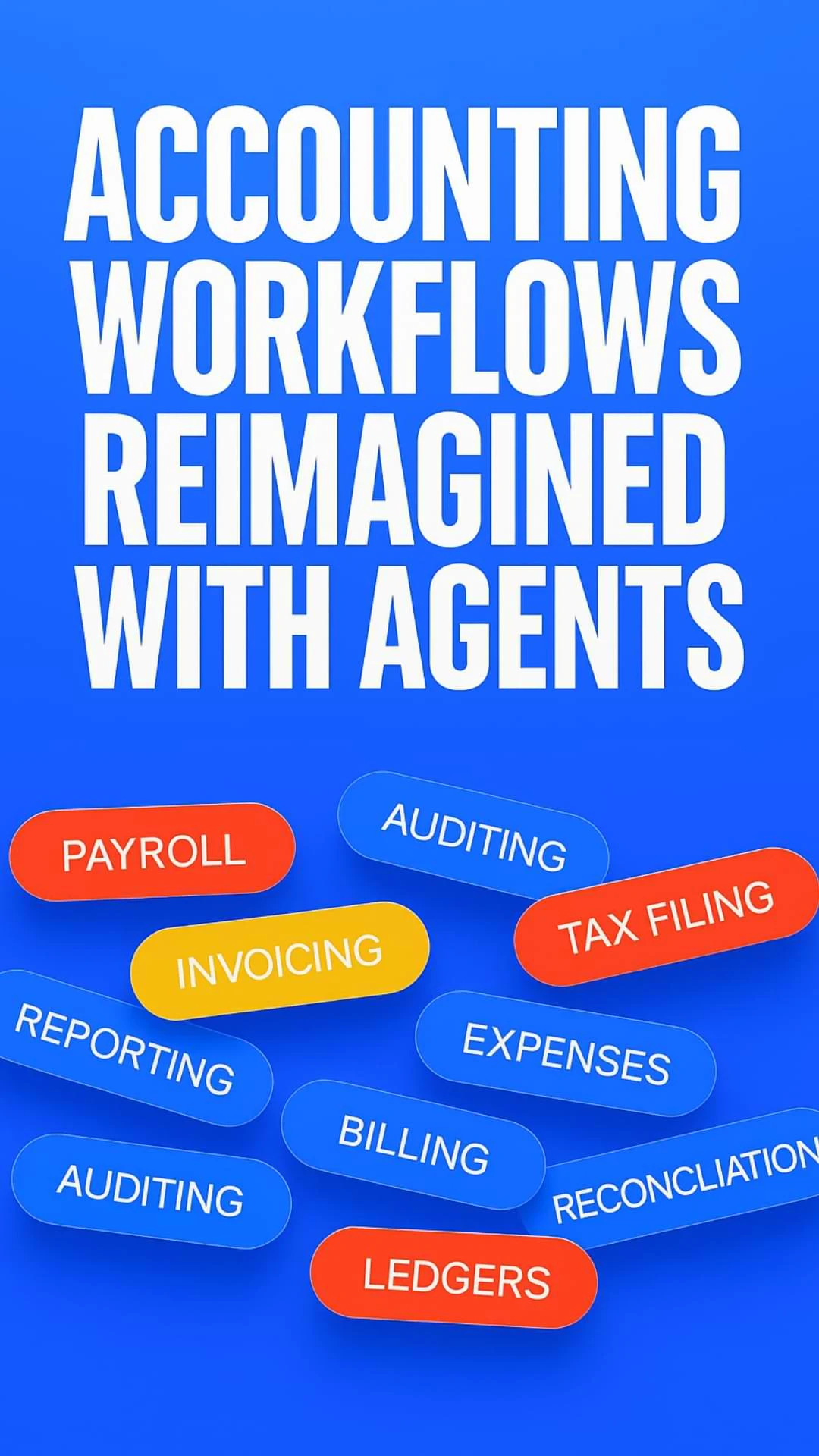
Accounting Workflows Reimagined with Agents
Edge accounting agents: monitor contracts, extract/verify fields, update billing/projects, automate handoffs, always-on ops and quick wins.
CPE

007 AI Agents
007 AI Agents shows building plan->act->verify agents using tools and web automation to execute multi-step audit-ready accounting ops safely.
CPE

Inside Digits: Reimagining Finance With AI
Digits: An AI-native ledger that auto-books, reconciles, reports—ingests data, learns from edits, and surfaces only exceptions.
CPE
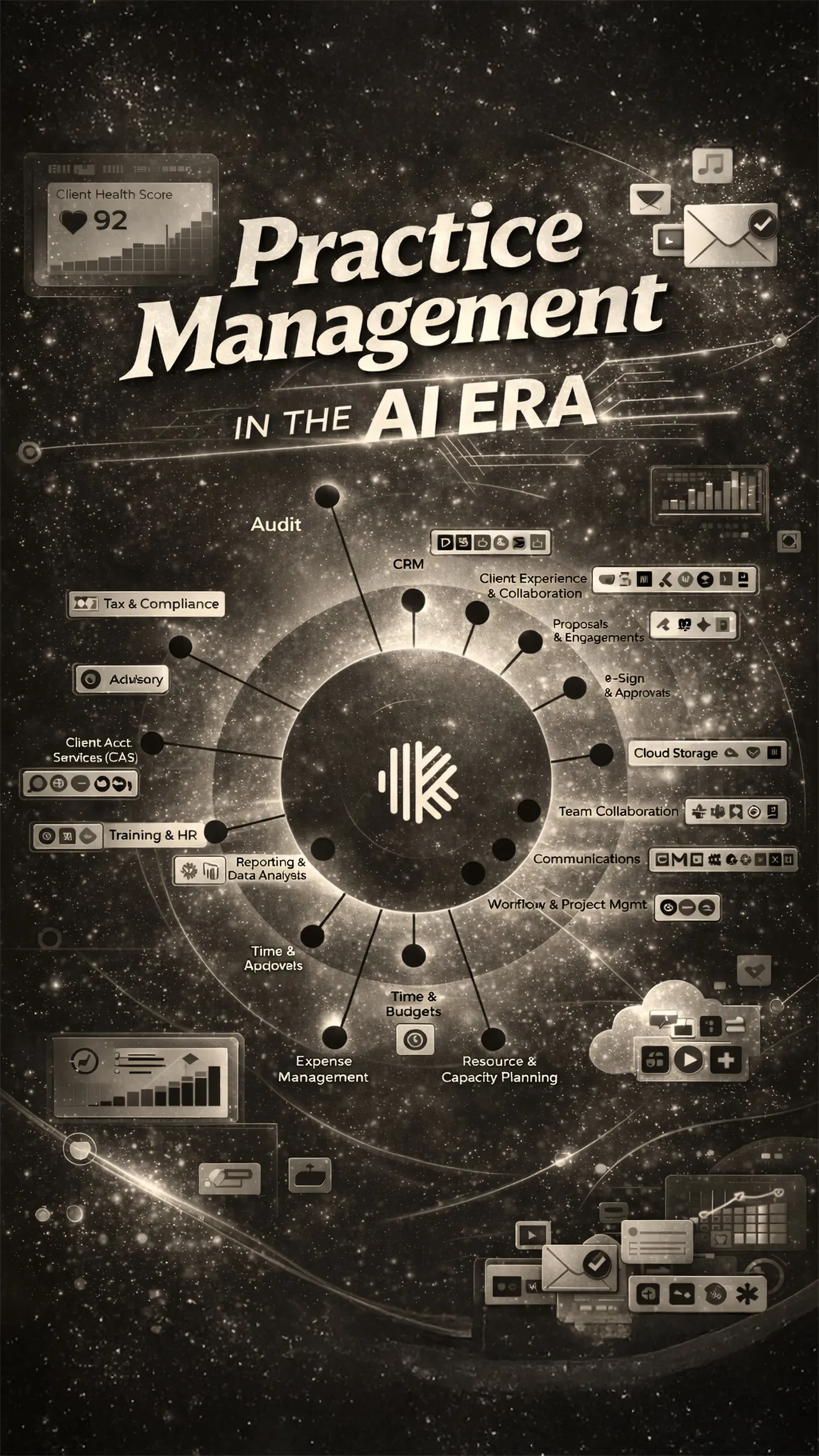
Practice Management in the AI Era
Learn how AI-powered practice management streamlines firm operations, workflows, and client services.
CPE
Client Onboarding: From Kickoff to Close
A step by step guide to structured client onboarding that aligns people, process, and technology from kickoff through successful close.
CPE
The CPA Automation Playbook
Learn how automation helps CPA firms reduce risk, improve controls, and scale accounting workflows.
CPE
Visualize Like a Boss
Dr. Mfon Akpan’s “Visualize Like a Boss” explores Power BI, ETL workflows, and how to turn raw data into clear, shareable dashboards.
CPE

The Holy Grail of Tax Operations
Learn how digital tax workflows and AI automation reduce manual work, improve compliance, and create a smoother client experience.
CPE